Resolume on the server.
Control in your hands.
Control a remote Resolume server over your local network: a Windows server from a Mac, or a Mac server from Windows. Choose the computer that suits your control desk.
 THEATERFOR RESOLUME ARENA
THE OFFICIAL THEATER WEBSITE
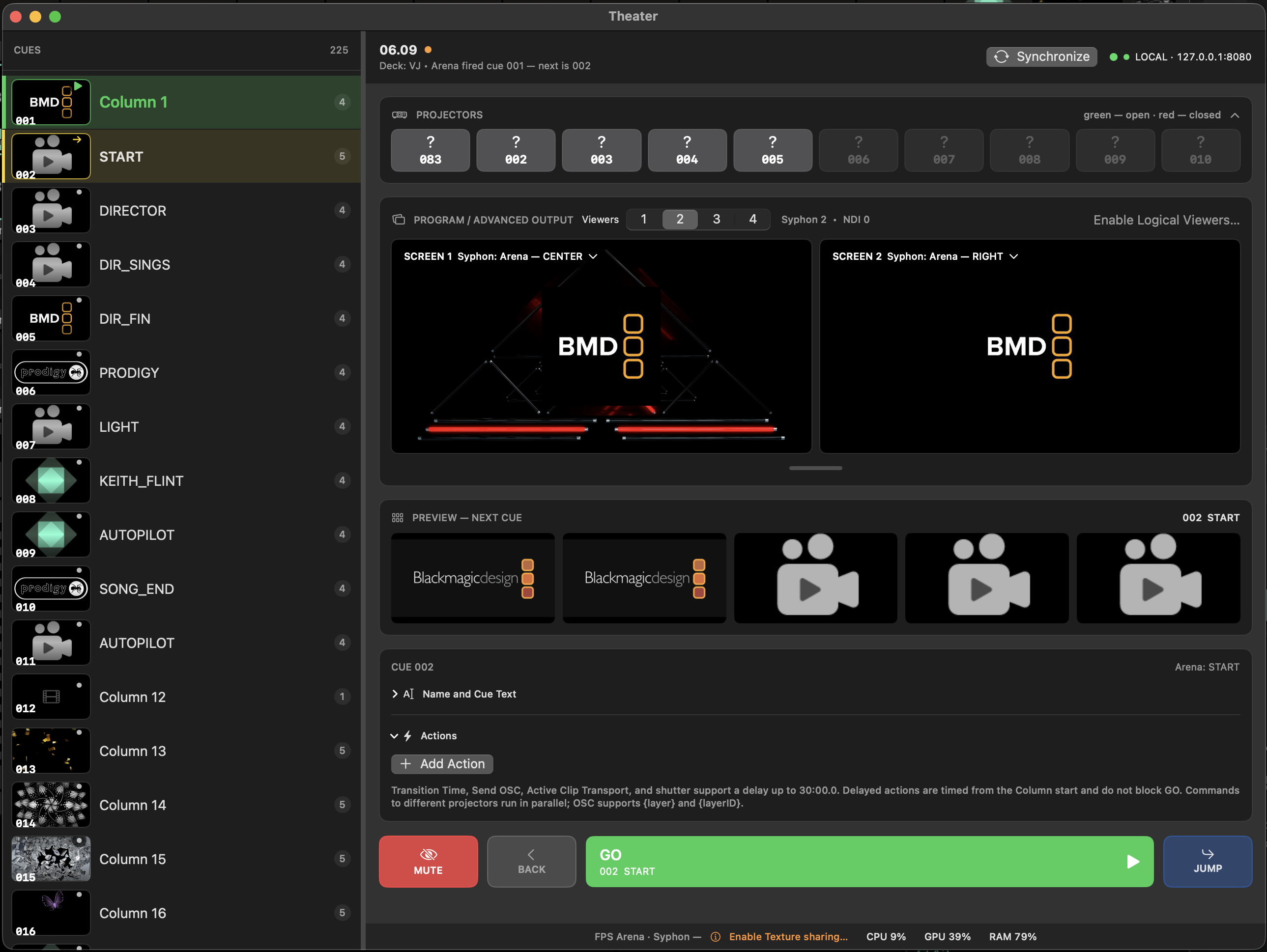
Theater is a control interface built for dependable theatre performances and high-stakes live events. Resolume remains the engine, and your composition stays unchanged. Theater makes operation intuitive and helps prevent mistakes when it matters most.
macOS and Windows / Built for the stage
01 / FEATURES
From the opening line to the final blackout.
The tools you need, always in sight.
Control a remote Resolume server over your local network: a Windows server from a Mac, or a Mac server from Windows. Choose the computer that suits your control desk.
Open and close projector shutters via PJLink. Works with compatible projectors from Panasonic, Epson, Barco and other manufacturers.
Scenes, names and spoken cues in one list. Import cue sheets from Resolume Notes and text documents. Each step maps to a column in Arena.
GO, BACK and JUMP. Run the next cue, go back or jump to a selected scene.
Monitor video outputs and preview the next scene before it goes live.
THEATER NEWS
NEW IN THEATERThe latest update adds clip playback actions. Play, pause and reverse — immediately or after a configurable delay from the start of the cue.
We’re preparing the Theater mobile app for iOS and Android. We’ll announce its release in the news section of this website.
The cue list now includes previews, making it easier to navigate your show.
02 / IN ACTION
A real workflow.
From setup to pressing GO.
03 / DOWNLOADS
Theater works alongside Resolume Arena.
Choose your operating system.
Demo mode is available after download. Launch sale
To connect, enable Webserver & REST API and OSC Input in Arena's preferences. Learn more ↓
04 / PLUGINS FOR RESOLUME
Focused tools for specific tasks.
Choose, download and add to Resolume.
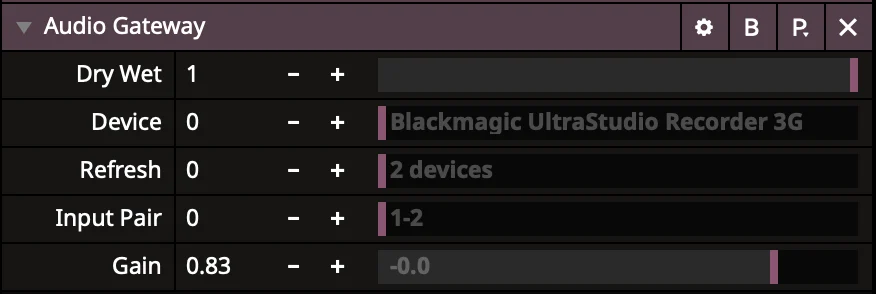
Bring audio from an external device into Resolume. Select an input pair and adjust the signal level.
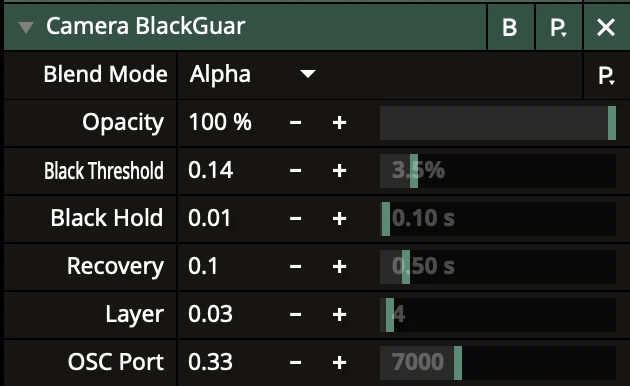
Monitors a camera signal and advances the layer to the next clip if the image stays black.

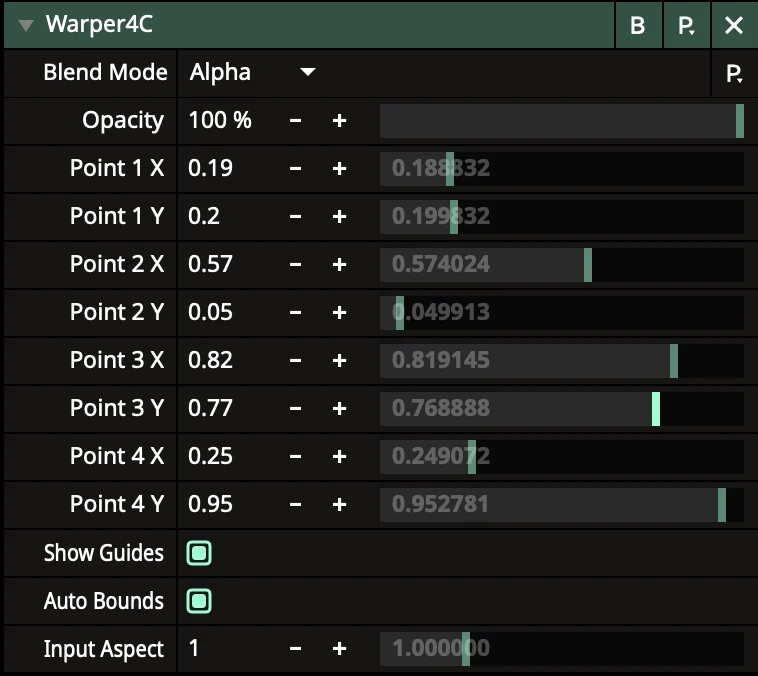
A polygon mask for your image. The illustrated guide is included in the archive.
Yes. Theater controls Arena and works alongside it. The current Theater requirements specify Arena 7.23.x. Arena can run on the same computer or another computer on your local network.
In Arena, enable Preferences → Webserver → Enable Webserver & REST API and Preferences → OSC → OSC Input. In Theater, choose a local or remote connection and run the connection test. The default ports are 8080 and 7000.
Extract the archive for your platform. Add FFGL plugins to the Extra Effects folder or the FFGL directory configured in Resolume, then restart the application. Audio Gateway is a VST plugin with its own instructions on the download page.
The site lists the available builds: Audio Gateway for macOS and AutopilotPro for Windows. The other plugins are available for both platforms.